What's new
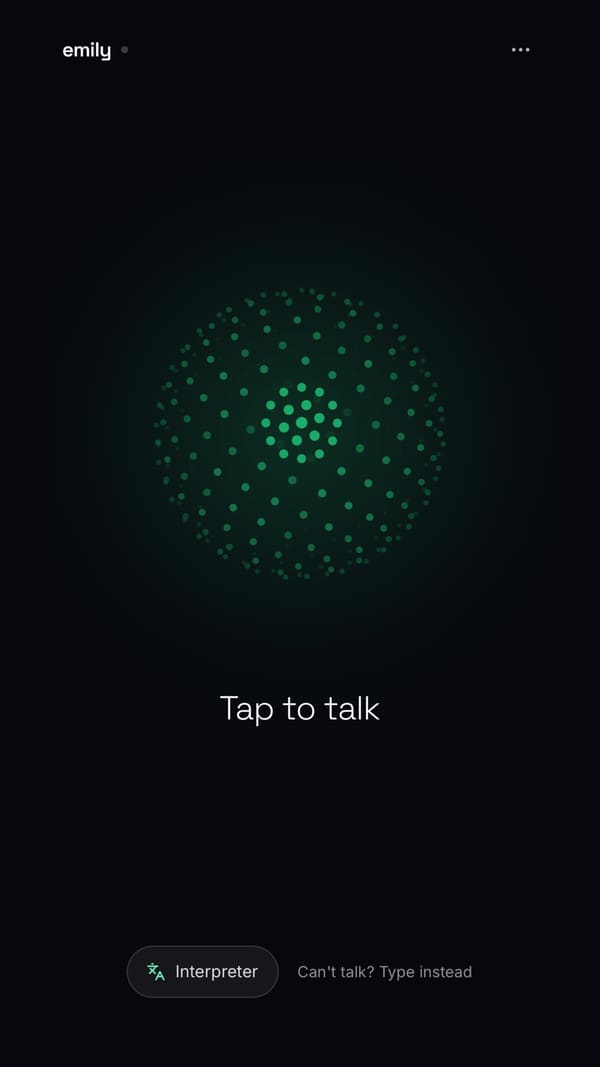
emily's Android app is now on Google Play. Open it, tap emily once and talk. The screen stays on while you talk, so you can put the phone in the car holder and carry on. And like any Google Play app, it updates itself.
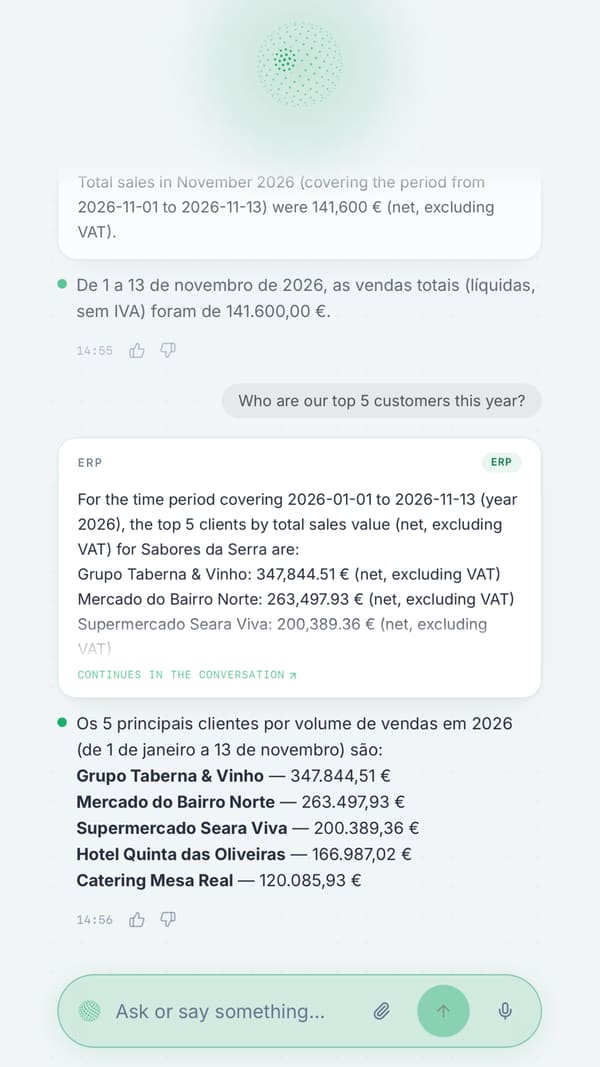
Between visits, in the car or at the customer's door, ask:
- "How much did we sell this month?"
- "What does this customer still owe?"
- "Do we have stock of this product?"
- "What's on my calendar tomorrow?"
What you can do in the app
- Talk or type, in English, Portuguese, Spanish or French.
- Ask your company's ERP: sales, balances, open invoices and stock. See ERP questions.
- Keep the CRM up to date: companies, contacts, deals, notes and tasks, dictated as you leave the visit. See voice CRM.
- Email and calendar: read and draft email, and manage your Outlook or Google calendar.
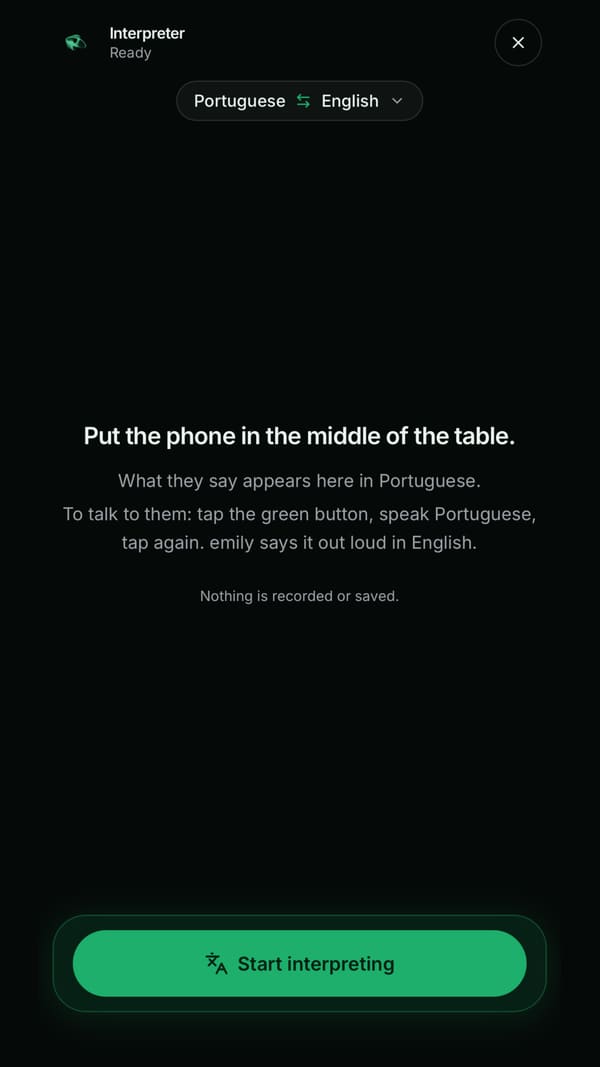
- Record and summarise meetings, and use the live interpreter between two languages.
- Photograph an order or an invoice and ask emily about it.
As everywhere in emily, she asks before sending anything to another person.
Had the Android app already?
If you installed the Android app earlier, from a link emily sent you, do this once:
- Uninstall the emily app you have now (press and hold the icon, then Uninstall).
- Install emily from Google Play and sign in with the same email and password.
Android won't install the Google Play version over the old one. Your data is in your account, so nothing is lost.
Getting started
- Install emily from Google Play (free); see the app page.
- Sign in with the email and password you already use for emily.
- Give your consent for AI processing (you can withdraw it at any time) and tap emily to talk.
The app is for people who already have an emily account, created by their company or on call-emily.com. If your company doesn't use emily yet, you can try it free for 14 days. On an iPhone, emily is on the App Store in Portugal and Spain, and coming soon to the UK; on any phone she's on WhatsApp, by phone and in the browser.